QIP addresses the enterprise
QIP addresses the enterprise
Infoworld • October 21, 1996 • By Stuart McClure
About the only thing that Quadritek IP Management System 3.0 (QIP) doesn't do is cook your breakfast, and that's probably slated for the next release. Quadritek Systems Inc.'s latest version of QIP goes to extremes in terms of IP management. It combines a feature-rich function set with an easy-to-use GUI. We tested QIP's Dynamic Host Configuration Protocol (DHCP) and dynamic Domain Name System (DNS) servers and found them well-suited for diverse IP networks.
Like NetID from Isotro, QIP is a finely tuned enterprise IP management machine, and, like NetID, its price reflects that. The product supports DHCP ranges across domains, networks, subnets, and Open Shortest Path First (OSPF) areas. Those of you using Classless Inter-Domain Routing in your IP networks will be accommodated through QIP's use of supernets within Class C addresses and subdivided subnets within Class A addresses. QIP also supports variable subnetting. This means that different subnet masks can be assigned to the same physical network, which allows easy migration from one subnet to another.
QIP uses Sybase as its central database for DHCP assignment. A run-time version of Sybase comes with QIP. The database back end was transparent and worked well supporting QIP. The QIP DHCP server supported both static and dynamic BootP and DHCP. Like NetID, QIP's DHCP server is from Competitive Automation Inc., whose Join server is often used in large-scale DHCP management projects. Also, kudos go out to QIP's DNS server, which offers dynamic name assignment through a tightly integrated DHCP/DNS environment.
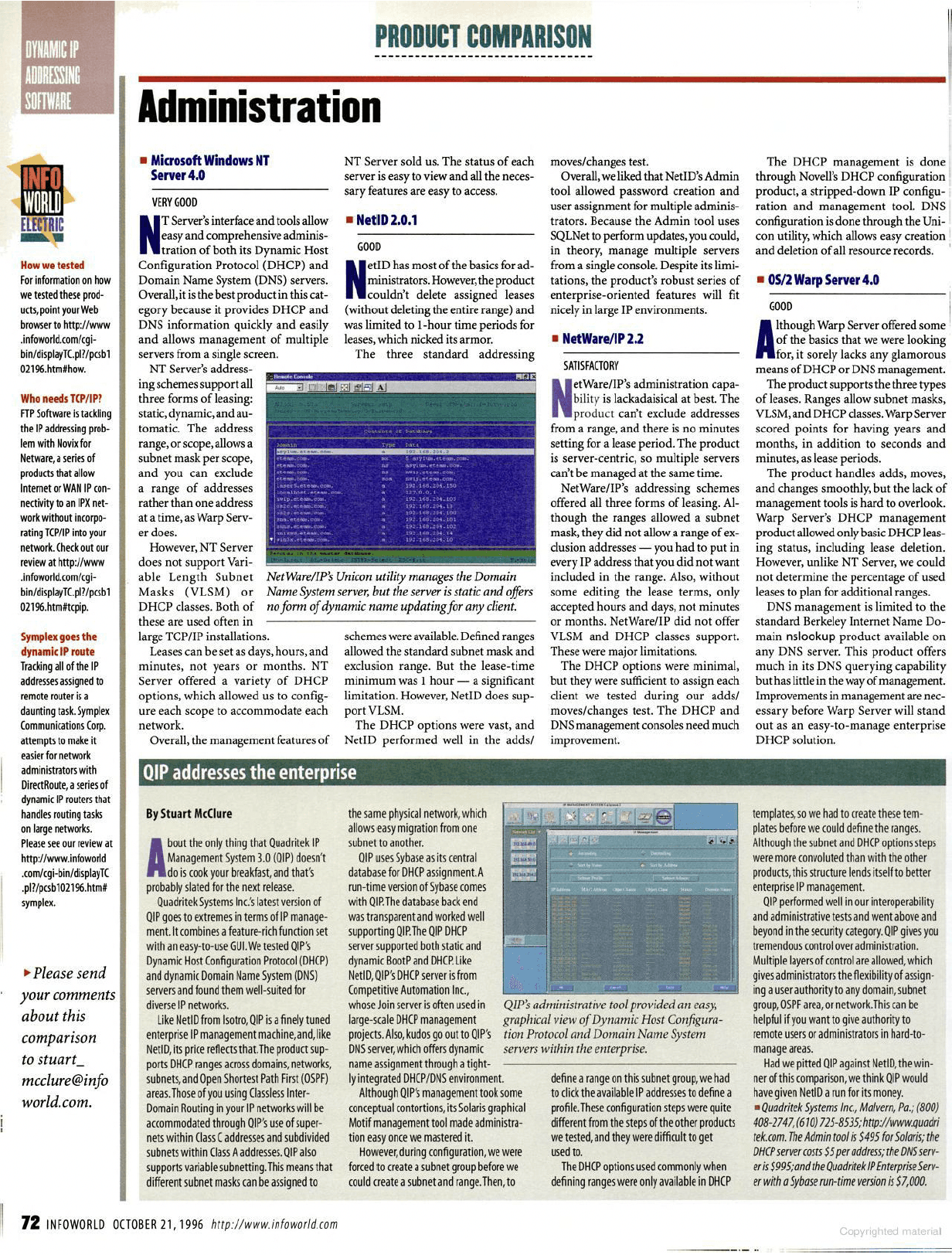
Although QIP's management took some conceptual contortions, its Solaris graphical Motif management tool made administration easy once we mastered it. However, during configuration, we were forced to create a subnet group before we could create a subnet and range. Then, to define a range on this subnet group, we had to click the available IP addresses to define a profile. These configuration steps were quite different from the steps of the other products we tested, and they were difficult to get used to.
The DHCP options used commonly when defining ranges were only available in DHCP templates, so we had to create these templates before we could define the ranges. Although the subnet and DHCP options steps were more convoluted than with the other products, this structure lends itself to better enterprise IP management.
QIP performed well in our interoperability and administrative tests and went above and beyond in the security category. QIP gives you tremendous control over administration. Multiple layers of control are allowed, which gives administrators the flexibility of assigning a user authority to any domain, subnet group, OSPF area, or network. This can be helpful if you want to give authority to remote users or administrators in hard-to-manage areas.
Had we pitted QIP against NetID, the winner of this comparison, we think QIP would have given NetID a run for its money.
Infoworld • October 21, 1996 • By Stuart McClure
About the only thing that Quadritek IP Management System 3.0 (QIP) doesn't do is cook your breakfast, and that's probably slated for the next release. Quadritek Systems Inc.'s latest version of QIP goes to extremes in terms of IP management. It combines a feature-rich function set with an easy-to-use GUI. We tested QIP's Dynamic Host Configuration Protocol (DHCP) and dynamic Domain Name System (DNS) servers and found them well-suited for diverse IP networks.
Like NetID from Isotro, QIP is a finely tuned enterprise IP management machine, and, like NetID, its price reflects that. The product supports DHCP ranges across domains, networks, subnets, and Open Shortest Path First (OSPF) areas. Those of you using Classless Inter-Domain Routing in your IP networks will be accommodated through QIP's use of supernets within Class C addresses and subdivided subnets within Class A addresses. QIP also supports variable subnetting. This means that different subnet masks can be assigned to the same physical network, which allows easy migration from one subnet to another.
QIP uses Sybase as its central database for DHCP assignment. A run-time version of Sybase comes with QIP. The database back end was transparent and worked well supporting QIP. The QIP DHCP server supported both static and dynamic BootP and DHCP. Like NetID, QIP's DHCP server is from Competitive Automation Inc., whose Join server is often used in large-scale DHCP management projects. Also, kudos go out to QIP's DNS server, which offers dynamic name assignment through a tightly integrated DHCP/DNS environment.
Although QIP's management took some conceptual contortions, its Solaris graphical Motif management tool made administration easy once we mastered it. However, during configuration, we were forced to create a subnet group before we could create a subnet and range. Then, to define a range on this subnet group, we had to click the available IP addresses to define a profile. These configuration steps were quite different from the steps of the other products we tested, and they were difficult to get used to.
The DHCP options used commonly when defining ranges were only available in DHCP templates, so we had to create these templates before we could define the ranges. Although the subnet and DHCP options steps were more convoluted than with the other products, this structure lends itself to better enterprise IP management.
QIP performed well in our interoperability and administrative tests and went above and beyond in the security category. QIP gives you tremendous control over administration. Multiple layers of control are allowed, which gives administrators the flexibility of assigning a user authority to any domain, subnet group, OSPF area, or network. This can be helpful if you want to give authority to remote users or administrators in hard-to-manage areas.
Had we pitted QIP against NetID, the winner of this comparison, we think QIP would have given NetID a run for its money.
Infoworld • October 21, 1996 • By Stuart McClure
About the only thing that Quadritek IP Management System 3.0 (QIP) doesn't do is cook your breakfast, and that's probably slated for the next release. Quadritek Systems Inc.'s latest version of QIP goes to extremes in terms of IP management. It combines a feature-rich function set with an easy-to-use GUI. We tested QIP's Dynamic Host Configuration Protocol (DHCP) and dynamic Domain Name System (DNS) servers and found them well-suited for diverse IP networks.
Like NetID from Isotro, QIP is a finely tuned enterprise IP management machine, and, like NetID, its price reflects that. The product supports DHCP ranges across domains, networks, subnets, and Open Shortest Path First (OSPF) areas. Those of you using Classless Inter-Domain Routing in your IP networks will be accommodated through QIP's use of supernets within Class C addresses and subdivided subnets within Class A addresses. QIP also supports variable subnetting. This means that different subnet masks can be assigned to the same physical network, which allows easy migration from one subnet to another.
QIP uses Sybase as its central database for DHCP assignment. A run-time version of Sybase comes with QIP. The database back end was transparent and worked well supporting QIP. The QIP DHCP server supported both static and dynamic BootP and DHCP. Like NetID, QIP's DHCP server is from Competitive Automation Inc., whose Join server is often used in large-scale DHCP management projects. Also, kudos go out to QIP's DNS server, which offers dynamic name assignment through a tightly integrated DHCP/DNS environment.
Although QIP's management took some conceptual contortions, its Solaris graphical Motif management tool made administration easy once we mastered it. However, during configuration, we were forced to create a subnet group before we could create a subnet and range. Then, to define a range on this subnet group, we had to click the available IP addresses to define a profile. These configuration steps were quite different from the steps of the other products we tested, and they were difficult to get used to.
The DHCP options used commonly when defining ranges were only available in DHCP templates, so we had to create these templates before we could define the ranges. Although the subnet and DHCP options steps were more convoluted than with the other products, this structure lends itself to better enterprise IP management.
QIP performed well in our interoperability and administrative tests and went above and beyond in the security category. QIP gives you tremendous control over administration. Multiple layers of control are allowed, which gives administrators the flexibility of assigning a user authority to any domain, subnet group, OSPF area, or network. This can be helpful if you want to give authority to remote users or administrators in hard-to-manage areas.
Had we pitted QIP against NetID, the winner of this comparison, we think QIP would have given NetID a run for its money.